Veterinary Emergency Call Routing for Your On-Call Team
Your AI receptionist flags urgent veterinary calls and follows your instructions to reach the on-call person or direct the owner toward emergency care. Hear the routing approach in the demo before configuring it for your clinic.
Try a worried owner's call Request your free trial
Free trial: 14 days, up to 100 minutes (on request).PrivacySecurity
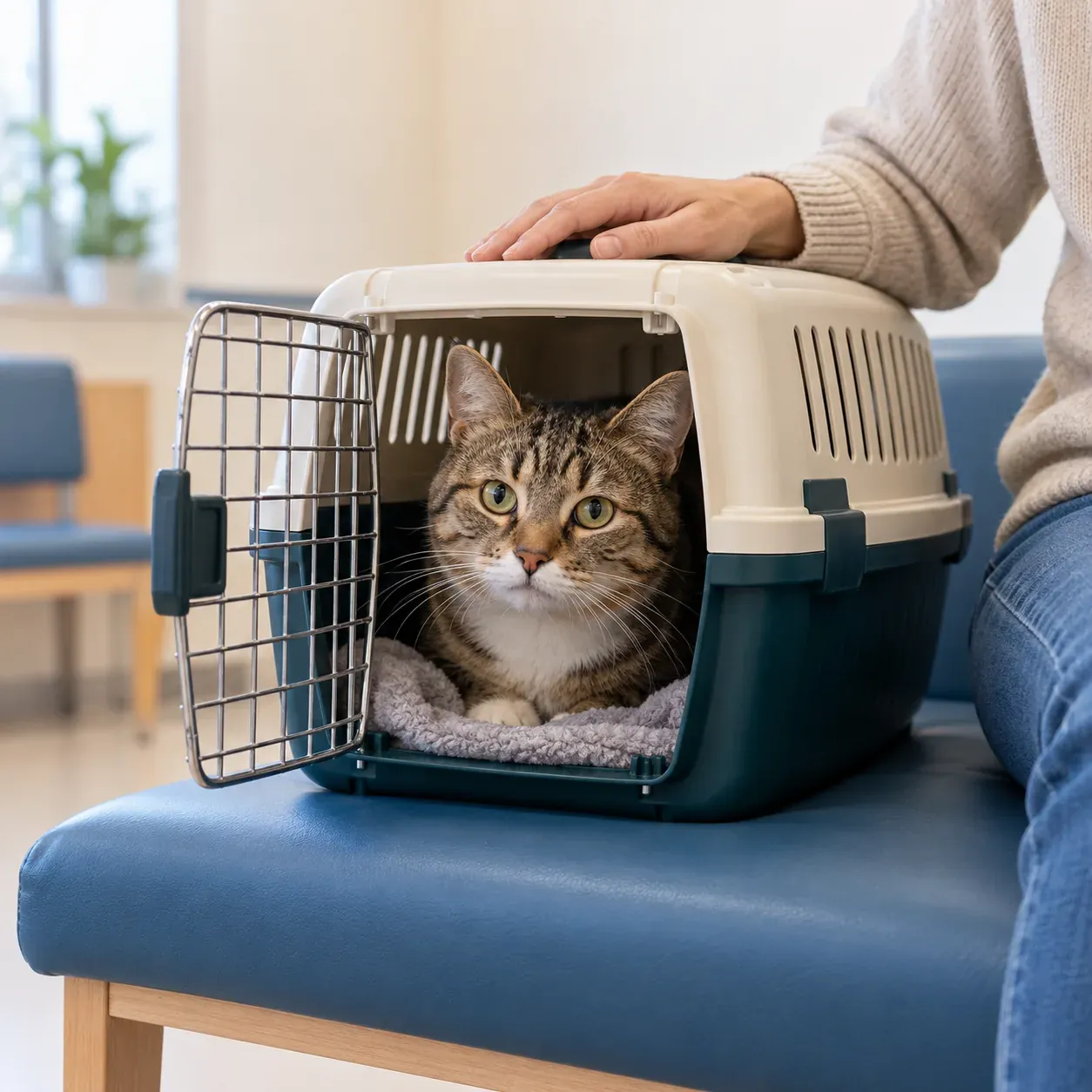
Give urgent callers a clear next step
Urgent routing uses your clinic's instructions to identify concerns that need a prompt handoff. Your receptionist gathers the caller's message and reaches the on-call contact in your chosen order.
- Urgency rulesTell the receptionist which concerns require an urgent staff handoff.
- Staff contactChoose who receives a warm transfer or an urgent page.
- Call detailsGive your team the owner's concern with an urgency tag.
Show more
Urgent routing matters when an owner needs more than a routine message left for the next shift. Your receptionist asks the intake questions you supply, flags urgency and follows the contact order you have set. The goal is a clear handoff with the details staff need to respond.
An urgent tag is a reception action, not a diagnosis. Keep the routing instructions focused on who should receive the concern and what the owner should do next. See the after-hours call handling options when choosing which calls to forward.
Hear the summary before accepting a warm transfer
A warm transfer gives the on-call person a short summary before they press 1 to accept. You can also choose paging and set the order for reaching urgent contacts.
- Owner's concernAsk the intake questions your clinic wants answered first.
- Brief handoffThe on-call person hears a summary before taking the call.
- Contact orderFollow the warm-transfer or paging sequence you set for urgency.
Show more
The receptionist begins by identifying itself as a virtual assistant and giving the recording notice. When a request meets your urgency instructions, it follows the routing action you have chosen. During a warm transfer, the recipient hears a brief account of the call and presses 1 to take it.
Your team also receives an email and app push alert with the urgency tag, summary, transcript and recording. Use those details to review the handoff afterward. The emergency answering workflow explains the reception role alongside your clinic's response.
Set the on-call contacts and the order to reach them
You define what counts as urgent and who should receive those calls during onboarding. Set a warm-transfer or paging order, then test that it reaches the intended clinic contact.
- Clinic thresholdsDescribe which requests should go straight to your on-call contact.
- Routing orderSpecify the people and sequence for urgent transfers or pages.
- Settings changesTell the AI in plain words when instructions need updating.
Show more
Provide your hours, services, urgency criteria and contact instructions in the onboarding chat. Your receptionist also learns from the clinic website you supply. Explain who should receive an urgent call and the order to try when you want more than one contact in the sequence.
Before going live, make a fictional urgent test call with the intended recipient available. Confirm they hear the summary and can accept the transfer. Update settings when on-call arrangements change, then check the revised instructions before relying on them for forwarded calls.
Route concerns without giving a diagnosis
Your receptionist follows urgency scripts and contact instructions without diagnosing animals or advising on treatment. For toxin exposure, trauma, bloat or breathing trouble, it directs owners toward the nearest emergency vet.
- No diagnosisThe receptionist gathers concerns and follows instructions for the handoff.
- No dosingMedication and treatment questions belong with the veterinary team.
- Emergency directionUrgent safety scripts point owners toward emergency veterinary care.
Show more
Your receptionist does not determine the cause of an animal's symptoms or recommend a medication dose. Its role is to collect the concern, apply your urgency instructions and help the caller reach the next appropriate contact. It is not an emergency service.
The safety script directs callers describing toxin exposure, trauma, bloat or breathing trouble to the nearest emergency vet now. For toxin concerns, it also gives ASPCA Animal Poison Control at 888-426-4435; a fee may apply. Your clinical team remains responsible for assessment and care, so keep your clinic's contact information current to support the response you want owners to receive.
Test an after-hours handoff in the fictional clinic demo
The demo lets you hear urgent call handling at a fictional clinic before setting up your own contacts. Try the after-hours emergency scenario and listen for a clear next action.
- Fictional scenarioAct as an owner calling the demo clinic after closing.
- Routing responseHear how the receptionist handles a request needing urgent attention.
- Your clinic trialRequest a free trial to test your contact order before forwarding business calls.
Show more
Open the urgent-call browser demo and try the after-hours emergency scenario. Listen to the questions, the tone and the explanation of what happens next. The demo clinic is fictional and uses its own instructions, so it does not establish that your on-call setup works.
During your free trial, check your actual contacts and routing order with a planned test call. Have the recipient confirm the summary and transfer acceptance, then review the call record. That gives your team a concrete handoff to assess before clinic calls start forwarding.
Questions and answers
Does the receptionist triage emergencies?
It performs reception intake, flags urgency and follows the routing instructions you set. It does not make a clinical assessment or diagnose an animal. Decide which concerns should reach your on-call person and which safety instructions owners should hear, then test the resulting call flow during setup.
Can it transfer an urgent call to our on-call doctor?
Yes, urgent calls can go through a warm transfer to your on-call person. They hear a short summary and press 1 to accept the call. You can choose paging instead and set the order for urgent contacts. Check that sequence with the intended recipients before going live.
What happens if the first on-call person cannot take the call?
Your routing setup specifies the order for reaching urgent contacts through warm transfers or pages. Include the next contact you want tried rather than relying on a single destination. Test the unavailable-contact situation during setup and review the outcome with your team before forwarding urgent clinic calls.
Will it tell an owner what medicine to give?
No, your receptionist does not give medication or dosing advice. It collects the owner's question for the veterinary team and uses your urgency instructions to decide the reception action. Clinical staff handle assessment and treatment decisions; the call summary preserves the concern for their review.
How do we receive the urgent call record?
Email and app push notifications include a summary, urgency tag, transcript and recording of the call. Your team can also find call records in the dashboard. Use the summary for a quick review and consult the transcript or recording when you need the owner's exact wording.
Does it record urgent calls and tell the owner?
Yes, the greeting tells the caller that the call is recorded and that they are speaking with a virtual assistant. Both notices are always included. Recordings and transcripts let your clinic review what was said, alongside the summary and urgency tag sent after the call.
Hear an urgent call before setting your routing rules
Try the fictional clinic's emergency scenario, then request a free trial. During your trial, test the on-call contact order and review the handoff with your team.