Vet Answering Line

Veterinary AI Receptionist Demo

This browser demo lets you talk to an AI receptionist for a fictional veterinary clinic. Try a routine request or an urgent concern, then inspect the message the clinic would receive. No signup is needed for the scenario demo.

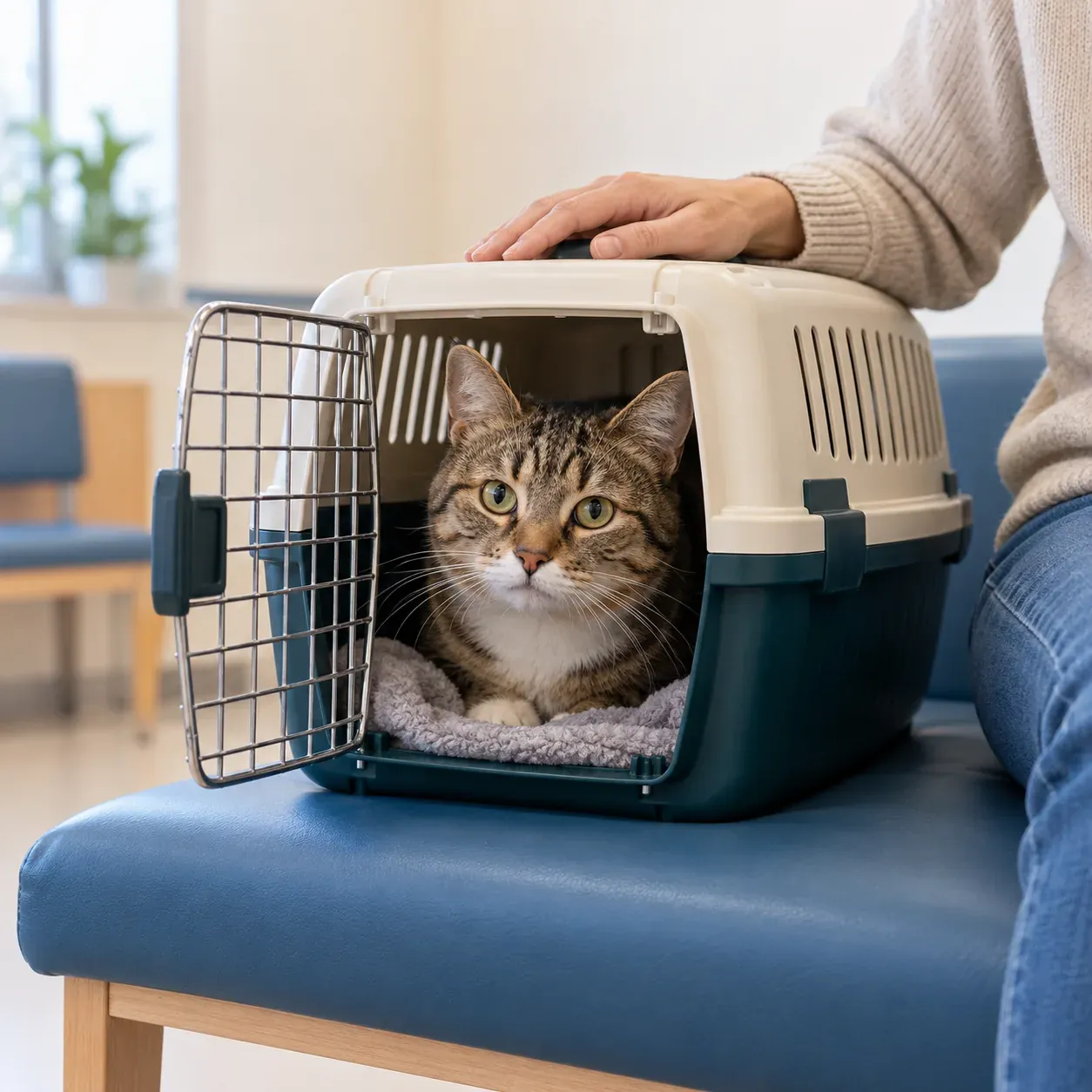
A cat peering out of a pet carrier on a clinic waiting-room bench, its owner's hand resting on the carrier

Choose a scenario

Practice business (made up): Cedar Hollow Animal Hospital

First select a call, then press Talk to it.

SampleUrgent1:52 a.m.

Call received for Cedar Hollow Animal Hospital

Dog ate chocolate.

Sent to the nearest emergency vet now and gave ASPCA Animal Poison Control (888-426-4435, a fee may apply). On-call vet alerted.

Transcript excerpt (example)

  1. Assistant Thank you for calling Cedar Hollow Animal Hospital. I am a virtual assistant, and this call is recorded. How can I help you?
  2. Caller Tells the assistant: dog ate chocolate.
  3. Assistant Please contact the nearest emergency vet now, and call ASPCA Animal Poison Control at 888-426-4435; a fee may apply. I am alerting the on-call vet as well.

Full transcript and recording are in the dashboard.

Example of what the owner receives after a call like this.

How the demo runs

Choose a scenario, then speak through your browser's microphone or type if you prefer. Each demo call lasts three minutes and needs no signup. Use fictional pet and owner details so you can focus on how the receptionist responds.

Listen to the opening notice, describe your concern and answer the intake questions. You can ask a follow-up to hear how the receptionist handles a request beyond the clinic's instructions.

Afterward, inspect the result from the clinic owner's side. Compare your request with the summary, urgency tag and conversation record. If the exchange suits your clinic, request a free clinic trial to supply your business details and test your instructions during setup.

The owner side of the call

The owner view shows the summary, urgency tag, transcript and recording produced by your demo conversation. Check whether the summary captures why you called and what the clinic needs to do next. The full conversation lets you compare that account with what you actually said.

Depending on the scenario, look for appointment details or the urgent routing action. These belong to a fictional clinic demonstration; they do not arrange care for a real animal.

In your own account, call alerts arrive by email and app push notification, with a daily digest email as well. Review those records during your free trial to check the intake questions and handoffs your team will use.

Use your business

You can personalize the demo by entering your business name and website, with an email address required for this option. The AI reads your site so you can call a receptionist using your clinic's information rather than the fictional scenario business.

Ask about something your website explains, such as your hours or a service you offer. Check whether the response reflects your clinic, then consider which instructions you would add during onboarding.

The personalized conversation helps you assess your starting point. During your free trial, you will set intake questions, booking preferences and urgent contacts before testing call forwarding. Visit free trial requests for your clinic to submit your email; we'll send your sign-in link when your trial is ready.

We look at your public website and set up a short demo call as your business. You get one demo per email each day.

Privacy and the demo

Demo conversations are with an AI assistant and are recorded and transcribed to show the result. Use invented details rather than sensitive information about yourself, a client or a pet. The greeting includes the virtual-assistant and recording notices.

Questions and answers

Do I need an account to try the browser demo?

The fictional scenario demo works without signup. Choose a call and use your microphone or type to test the response. If you want the AI to read your clinic's website for a personalized demo, you will need to provide an email address.

What should I listen for during a sample call?

Listen for the virtual-assistant and recording notices, then check whether the questions match your request. Try a routine inquiry and an urgent scenario. After each conversation, inspect the summary and urgency tag to see what information would reach the clinic's team.

Can I use the demo for a real pet emergency?

The demo uses a fictional clinic and does not arrange emergency care. For a real concern, contact your veterinarian or an emergency vet directly. Use an invented situation here to hear the receptionist's response and inspect the sample urgent routing result.

What happens if I ask something the receptionist cannot answer?

The receptionist works from the clinic information and instructions supplied to it. It can collect a message for the team when your question needs their response. Try a question outside the fictional clinic's information, then inspect the record to assess how the request was handled.

How do I test it with calls to my clinic?

Request a free trial; we'll email your sign-in link when your trial is ready. Then sign in through the email link and complete the onboarding chat. Set your services, hours and urgent contacts, then make a test call. A card is required before forwarding goes live, and you choose which calls to send to the receptionist.

Request a free trial for your veterinary clinic

Take what you heard into your own setup. Request a free trial to teach the receptionist your clinic's instructions and test a call before enabling forwarding.

Try a worried owner's call Request your free trial